








Business Tools

Read a statement or report, or build an invoice, estimate, decision or set of statements.

Read a file

Build something

About business tools

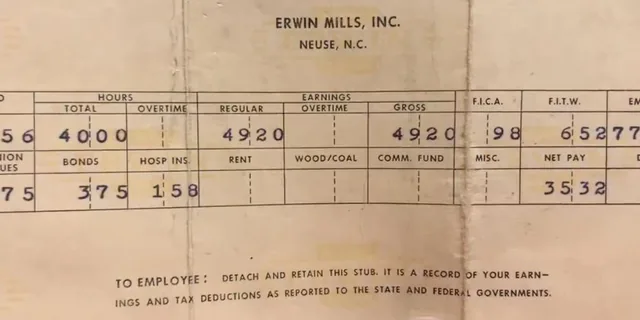
The readers each take one kind of file you would otherwise go through by hand, such as bank statements, card processing statements, 835 remittances, vendor statements, broker history or payroll reports, and tell you what is in it in plain language. The builders turn your own numbers into something finished: an invoice or quote, a priced job, a decision tested against uncertainty, a startup budget, a loan comparison or a P&L, balance sheet and cash flow statement.

How to use them

  1. Pick a reader for a file you have, or a builder for something you want to make.
  2. Upload the file or enter your numbers. Everything updates as you go.
  3. Download the Excel workbook or PDF.

Frequently asked questions

Which tool should I use?

To understand a file you already have, pick the reader named for it: a bank statement, card processing statement, 835 remittance, payroll report or broker history. To make something new, pick a builder: an invoice, a job estimate, a decision, startup costs or a set of financial statements.

Are my files uploaded anywhere?

No. Every tool reads files in your browser, so they never leave your computer. Builders keep your work in this browser until you download it.